
The Voice to Text Mac App That Lives in Your Menu Bar
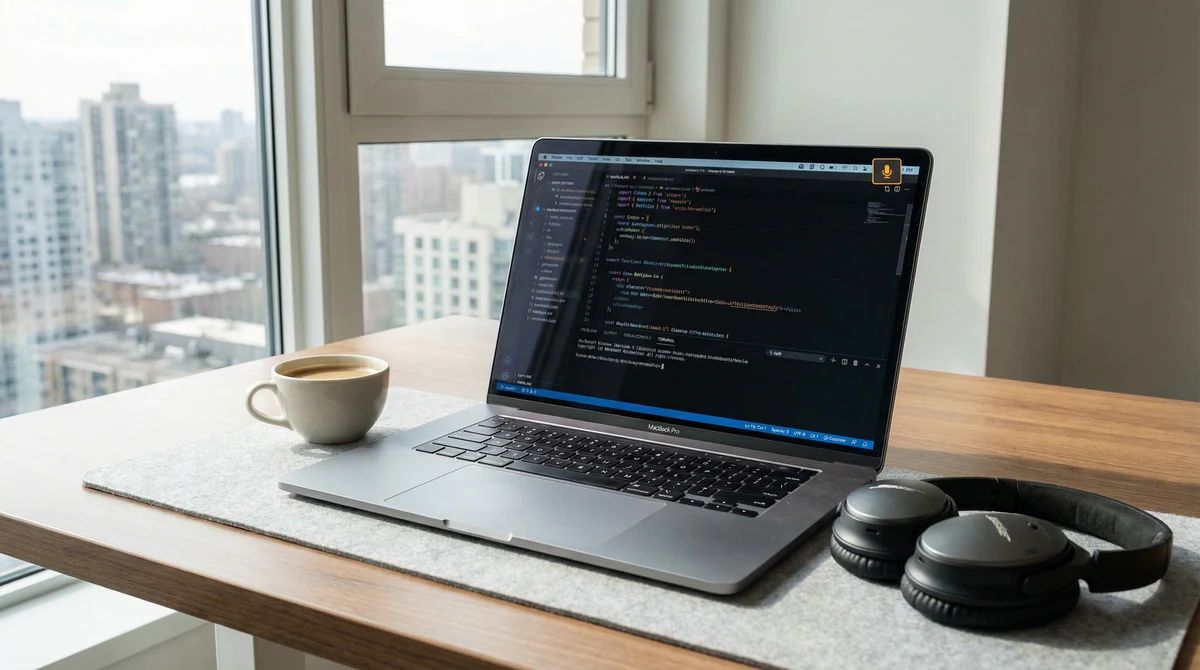
Most voice to text Mac apps are built for the wrong person.
They're designed for executives dictating memos, doctors filing notes, or journalists transcribing interviews. They're feature-heavy, cloud-dependent, and require you to open a separate window just to start recording. For developers, that's already two steps too many.
VoiceCommit is different. It's a voice to text Mac app built specifically for developers — the kind of app that needs to be invisible until you need it, then instant the moment you do.
The 2-Second Thought Capture Problem
Here's the real problem voice to text solves for developers, and it has nothing to do with transcription speed.
You're in the middle of something — cooking, walking, halfway through falling asleep — and a solution appears. The architecture fix for that gnarly bug. The edge case you've been ignoring. The feature that would actually make users happy. It's there, completely formed, for approximately 90 seconds.
Then it's gone.
The problem isn't that you can't type fast enough. The problem is that by the time you open your laptop, navigate to GitHub, click "New Issue," and start typing, the context has evaporated. What you remember is the shape of the idea, not the substance.
What you needed was 2 seconds to capture it — with zero friction, in the exact moment it appeared.
That's what VoiceCommit is built for.
A Voice to Text Mac App That Stays Out of Your Way
VoiceCommit lives in your menu bar. It's not an app you open — it's always there, ready, consuming no screen real estate. When inspiration strikes, you don't look for a window. You press ⌘⇧V and start talking.
That's it. Global hotkey, instant recording, live transcription appearing as you speak.
This design choice is deliberate. The biggest enemy of thought capture isn't transcription quality — it's friction. Every extra step between "idea" and "captured" costs you context. VoiceCommit eliminates those steps:
- No opening an app
- No navigating to a page
- No choosing a project first
- No formatting before you speak
You press a key combination, speak naturally, and stop. VoiceCommit does the rest.
How VoiceCommit Actually Works
Step 1: Press the Global Hotkey
⌘⇧V triggers VoiceCommit from anywhere on your Mac — in your code editor, your terminal, your browser, or your lock screen. The menu bar icon changes to indicate it's recording.
Step 2: Speak Your Thought
Talk the way you actually think. You don't need to structure your sentences for a machine. Say: "There's a race condition in the auth middleware when two requests hit simultaneously before the session is initialized — needs a mutex or a queue before the db call."
VoiceCommit captures it verbatim and then structures it intelligently.
Step 3: Review the Transcription
The transcription appears live as you speak. When you stop, VoiceCommit shows you what it captured. You can edit inline if needed, but most of the time, you won't.
Step 4: Send to GitHub
One more key press sends it directly to your connected GitHub repository as a properly formatted issue, complete with title, description, labels, and reproduction context.
From thought to GitHub issue: under 30 seconds.
VoiceCommit vs. Every Other Voice to Text Mac App
There's no shortage of voice to text options for Mac. Here's how VoiceCommit compares to the most common alternatives:
macOS Dictation (Built-in)
Apple's built-in dictation is decent for typing text in a focused field. But it has no concept of structured output, no GitHub integration, and no way to capture a thought when you're not already in a text input. It transcribes — nothing more.
Use it for: Typing emails or messages when your hands are full.
Don't use it for: Capturing development thoughts that need to live somewhere useful.
Otter.ai
Otter is an excellent meeting transcription tool. It's designed to record long-form audio — calls, lectures, conversations — and produce searchable transcripts. For developers, it's overkill. You don't need a 45-minute searchable transcript. You need a 30-second thought to become a GitHub issue.
Use it for: Recording and searching meeting audio.
Don't use it for: Fast thought capture with structured output.
Rev
Rev is a professional transcription service built around human review. Transcripts come back in hours, not seconds. It's accurate and handles challenging audio, but it has no integration with development workflows and no concept of real-time capture.
Use it for: High-stakes recordings that need human-verified accuracy.
Don't use it for: Developer workflow integration.
VoiceCommit
VoiceCommit is the only voice to text Mac app that understands that your thought needs to go somewhere specific — your GitHub repository — formatted correctly, immediately.
The difference: It's not trying to transcribe your audio. It's trying to route your thought into your development workflow before you lose it.
GitHub Integration That Actually Works
The GitHub integration in VoiceCommit isn't bolted on. It's the foundation.
When you connect your GitHub account (OAuth, takes 30 seconds), VoiceCommit syncs your repositories. It learns which projects you work in most, which labels you use, and what your issue formatting looks like. When you speak a voice note, it routes intelligently:
- Bug reports get filed with reproduction context and a "bug" label
- Feature ideas become issues in your backlog with priority inference
- Documentation notes get routed to the right repo and labeled accordingly
- Architecture thoughts become issues with technical context preserved
You can also specify the target explicitly in your voice note: "In the mobile repo, there's a layout issue on iPhone SE..." VoiceCommit picks up the repository reference and files accordingly.
The sync is bidirectional: when you close an issue in GitHub, VoiceCommit knows. When you add a comment, VoiceCommit tracks it. Your voice notes and your GitHub state stay in sync.
Who VoiceCommit Is For
Solo developers and indie builders. You're wearing every hat. Ideas come at inconvenient moments. You can't afford to lose them.
Engineering leads who think while commuting. The solutions that need to reach your team are the ones that hit you when you're not at a keyboard. VoiceCommit closes that gap.
Anyone who ships code. If ideas about your codebase come to you away from your desk — and they do — VoiceCommit is the fastest path from thought to repository.
Pricing
VoiceCommit offers three tiers designed to scale with how you work:
Free
For developers who want to try voice-first capture with no commitment. Includes core voice transcription and GitHub integration.
Pro — $9/month (launch pricing)
Unlimited captures, priority transcription, and full GitHub sync across all your repositories. For developers who've made voice capture part of their workflow and need it to keep up.
Team — $29/month
Everything in Pro, built for teams. Shared repository access, team member capture, and collaborative issue routing. When one developer catches a bug by voice, the whole team gets the issue.
Getting Started in Under 5 Minutes
- Download VoiceCommit from the App Store
- Connect your GitHub account via OAuth
- Select your repositories — the ones where your issues live
- Press ⌘⇧V and speak your first thought
That's the setup. From here, every time you press ⌘⇧V and speak, that thought becomes a GitHub issue. No extra steps.
One Week, One Habit
Most developers who try VoiceCommit for a week report the same thing: they're surprised how many ideas they were losing before.
The ideas were always there. The capture point was missing. VoiceCommit is that capture point — always in your menu bar, always a hotkey away, always routing your thoughts to where they'll actually get acted on.
If you've ever had a good idea evaporate between thought and keyboard, this is the app that closes that gap.
VoiceCommit is available on Mac and iOS. For developers who think away from their desks.
Related Posts

The Shower Thought Problem: Why Developer Ideas Disappear Before You Can Use Them
Developers have their best ideas away from the keyboard. Most of those ideas disappear before they become code. Here's why — and how voice capture fixes it.

How Voice Input Transformed My Solo Development Workflow
How Voice Input Transformed My Solo Development Workflow

Introducing VoiceCommit: From Ideas to GitHub Issues in Seconds
Introducing VoiceCommit: From Ideas to GitHub Issues in Seconds